Microsoft 365 for IT Pros November 2026 Update Covers AuditLogQuery Migration
- Tony Redmond
- 452 views
The November update refreshes four Microsoft 365 IT books, with new coverage of AuditLogQuery and changes to Exchange Web Services plans.
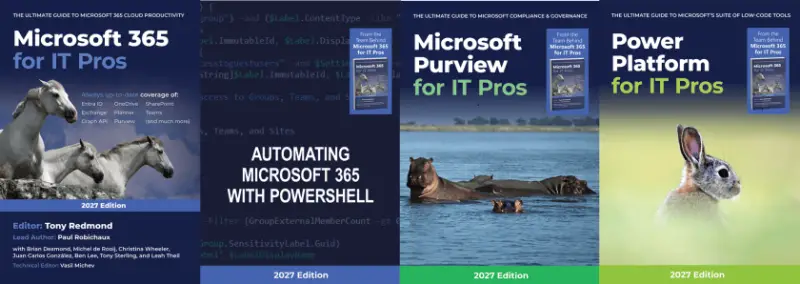
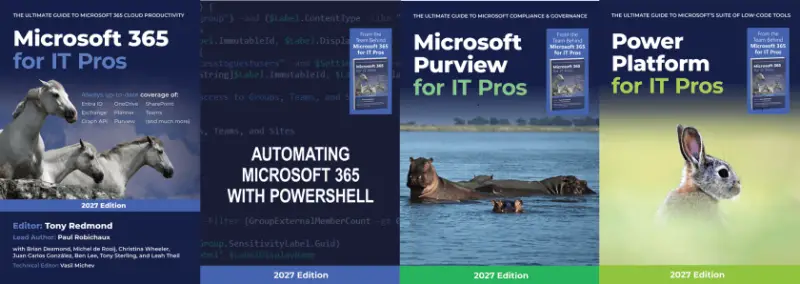
The November 2026 update to the Microsoft 365 for IT Pros eBooks gives administrators fresh guidance on a month when tenant changes included a significant audit cmdlet retirement and a revised Exchange Web Services timeline. Four updated titles are available to current subscribers, with versions produced between October 29 and October 31, 2026. For teams that use these books as working references, checking the version in each book’s front matter is a practical way to confirm that the material reflects the latest monthly release.
Four book files refreshed
The November package includes updated EPUB and PDF files for the following titles:
- Microsoft 365 for IT Pros 2027 edition, version #137, produced October 31, 2026.
- Microsoft Purview for IT Pros 2027 edition, version #5, produced October 29, 2026.
- Power Platform for IT Pros, version #5, produced October 31, 2026.
- Automating Microsoft 365 with PowerShell 2027 edition, version #29.5, produced October 29, 2026.
The production dates differ because each book moves through the monthly production cycle on its own schedule. That means the update package is a set of individually revised references, rather than four books generated at precisely the same time. The editions cover different areas of Microsoft 365 administration, so the most relevant changes will depend on which products and workflows a team supports.
Subscribers can download the refreshed files from Gumroad.com using the link in their purchase receipt. The receipt link retrieves the latest book files, so it can also be used to check for a newer version later. The team says some months may bring several point updates when a high volume of changes makes an earlier release quickly out of date. The Automating Microsoft 365 with PowerShell eBook had multiple updates in October 2026 following changes involving the Microsoft Graph PowerShell SDK, Azure Automation and auditing.
For administrators, that production pattern is a reminder to check version details when relying on instructions for an active project. A monthly label alone may not identify the newest point release for a particular title. The team’s change log lists chapter updates, while its download FAQ explains how to retrieve the refreshed files.
Audit cmdlet retirement drives documentation changes
The most operationally significant change in this release is the expanded guidance for replacing Search-UnifiedAuditLog. Microsoft announced on October 18 that it plans to retire the cmdlet on October 15, 2027. Any tenant process that uses it to collect audit events may need review, including jobs that send records to an external repository such as Splunk, support forensic investigations, or help administrators inspect activity within a tenant.
The replacement path described is the AuditLogQuery Graph API, but migrating requires more than swapping one command for another. The API and the existing cmdlet differ in property names, parameters and the way audit data is returned. Those differences can affect both the code that requests events and the processing that follows. A script might run after a superficial change while still producing records that downstream tools interpret differently.
To address that work, the November update revises the Auditing and Reporting chapter in Microsoft Purview for IT Pros and adds further coverage of the AuditLogQuery API and SDK cmdlets to chapter 7 of Automating Microsoft 365 with PowerShell. Administrators planning a transition can use that material alongside the linked conversion guidance to identify where their own collection and reporting workflows depend on the retiring cmdlet.
The October 15, 2027 retirement date gives teams time to inventory those dependencies, but the differences in returned data make it sensible to examine the full workflow rather than only the command line. Collection, field mapping, storage and reporting may all rely on details that change during a migration. The source material does not specify a universal conversion procedure; each tenant’s implementation will determine what needs adjustment.
Exchange Web Services timing varies by cloud
Administrators also need to track revisions to previously published change notices and roadmap items. Microsoft may clarify a message, delay a planned change or cancel work, and a small update can alter what administrators need to schedule. Exchange Web Services (EWS) is one example: Microsoft’s planned removal from Microsoft 365 is on course to meet an April 2027 deadline for the commercial cloud, but an October 20 update to MC1446796 said the deprecation process had been paused for government clouds. The commercial cloud process had begun on October 1.
That difference makes it important to check the notice that applies to a tenant’s cloud before setting migration dates. A timeline for one cloud does not necessarily describe the status in another. Teams tracking EWS dependencies can review the EWS timeline details and keep monitoring subsequent changes to the relevant notice.
Keep tenant guidance current
Monthly eBook updates give the authors a way to revise technical guidance as Microsoft changes its services and documentation. For administrators, the same cadence offers a useful prompt: verify the edition and point version in the reference being used, then check whether its guidance covers the tenant’s current cloud and tooling. With the audit cmdlet retirement ahead and cloud-specific EWS timing already diverging, version checks and dependency reviews belong on the routine maintenance list.


