UGA’s 2027 Administrative Professionals Day: Excel Session Details and Laptop Requirements
- Chris Menard
- 388 views
Chris Menard will lead two 75-minute, hands-on Excel sessions at UGA on April 23, 2027. Attendees need desktop Microsoft 365 Excel and a laptop.
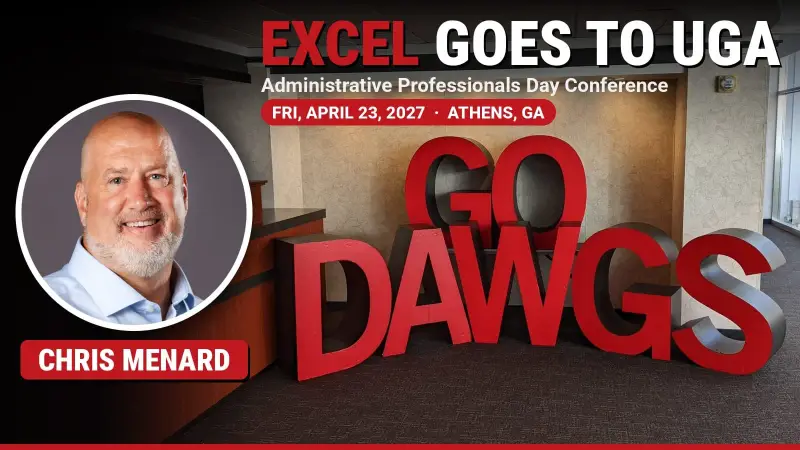
For administrative teams, accurate spreadsheets start with reliable data. At the University of Georgia’s Administrative Professionals Day Conference on Friday, April 23, 2027, trainer Chris Menard will lead a practical session on cleaning everyday Excel lists and making the results easier to inspect and analyze. The work will use common spreadsheet features, with time for attendees to follow along on their own laptops.
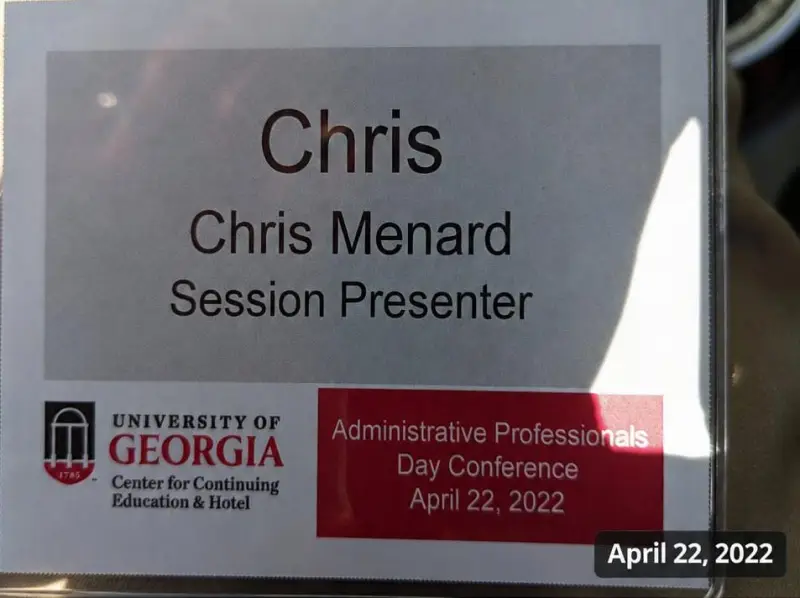
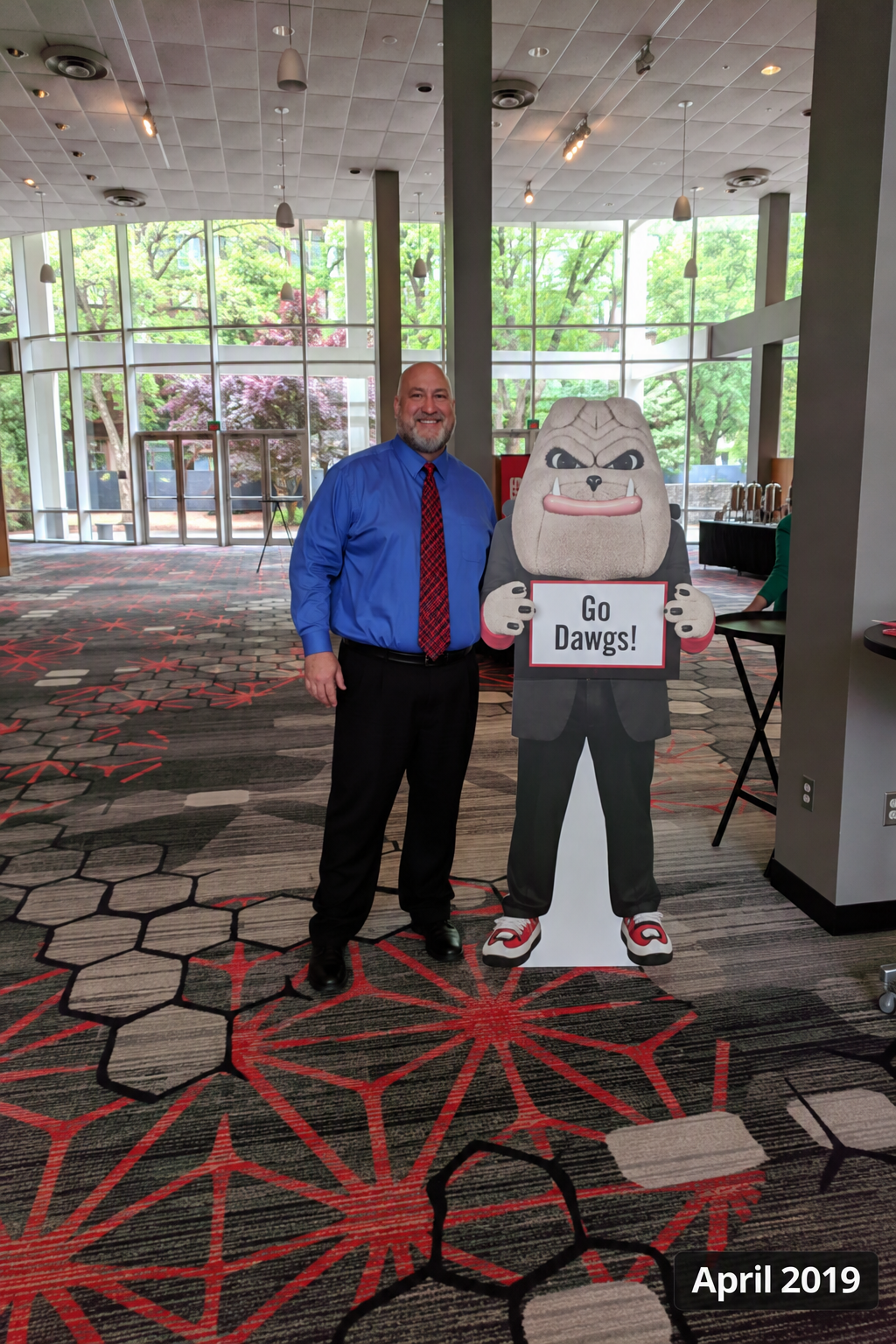
Menard is returning in person to the University of Georgia Center for Continuing Education & Hotel in Athens. He says he has been speaking at the conference for more than 15 years. This year’s theme is “Innovate, Collaborate, Elevate,” and the Excel session focuses on tasks that often take time when lists arrive with inconsistent formatting, duplicate rows, extra spaces, or dates stored as text.

Session focus: cleaning and analyzing Excel data
“Excel Essentials: Data Cleaning and Analysis Skills Every Admin Needs” is a hands-on, 75-minute session. It starts with preparing data, then moves into ways to highlight issues and explore the cleaned results. The examples are aimed at the kinds of lists and reports administrative professionals handle, including schedules, rosters, budgets, and other work records.

The planned techniques include TRIM and other functions for removing unwanted spaces, Excel’s Remove Duplicates feature, and Flash Fill for working with text. Conditional Formatting will be used to draw attention to duplicates, errors, overdue dates, and selected values. Attendees will also work with Excel Tables and Slicers to make lists easier to filter and review.
These tools address different stages of spreadsheet work. Cleaning functions and duplicate removal help make records more consistent; Conditional Formatting makes selected conditions easier to spot; and Tables with Slicers provide a way to filter and explore information. The session description does not specify particular formulas beyond TRIM or promise a particular analysis outcome, so attendees can expect practical demonstrations and exercises around the named features.
Menard says participants should bring a laptop and work alongside him. He will provide practice files for use during the session, and attendees can keep those files afterward to continue practicing.
What participants should be ready to do
By the end of the session, participants are expected to practise removing duplicates and extra spaces, splitting and combining text, and correcting inconsistent formatting. They will also work on using Conditional Formatting to flag selected issues or values, and converting a list into an Excel Table with Slicers for filtering.
A basic working knowledge of Excel is recommended. Participants should be comfortable entering data, creating simple formulas, and formatting cells. The session is designed for people who already use spreadsheets in their work and want to make routine cleanup and review tasks more manageable.
Check the Excel version before attending
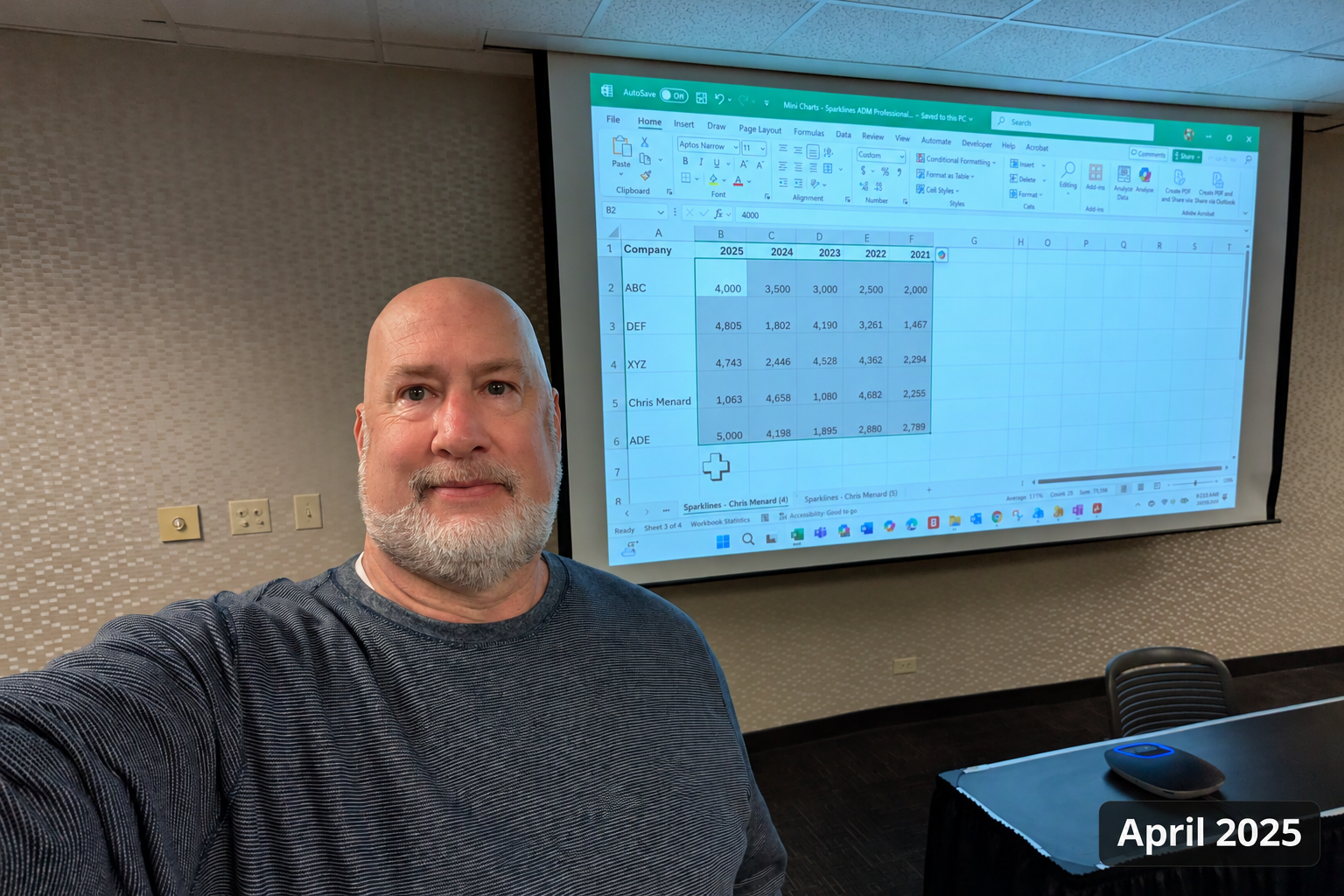
Attendees need the desktop version of Microsoft 365 Excel installed on their laptop. The web version of Excel will not work for this session. Mac users are welcome, though some steps may look different from the Windows desktop version. Teams preparing to attend should check the device and application setup in advance so participants can use the software and files during the exercises.
The conference serves people in a range of administrative and support roles, including office managers, executive assistants, administrative assistants, associates and specialists, HR coordinators and specialists, meeting planners, customer service representatives, office assistants, and clerks. UGA describes the event as a day of practical presentations, professional development, and networking, with tools attendees can take back to their organizations.
Two session times on April 23
Menard will present the same session twice at the University of Georgia Center for Continuing Education & Hotel:
- 1:15 PM–2:30 PM
- 3:00 PM–4:15 PM
Registration is scheduled to open in early January 2027. Further information about the conference, its theme, pre-conference workshops, and event details is available on the UGA Administrative Professionals Day Conference page.
For Excel users considering the session, the preparation is straightforward: bring a laptop with desktop Microsoft 365 Excel, and arrive ready to work with practice data. Menard also provides Microsoft Excel tutorials and training resources covering functions, data analysis, productivity tips, and Copilot in Excel. The Athens session gives attendees a scheduled opportunity to practise data cleanup and filtering in person before applying those techniques to their own spreadsheets.