Xerox C240 Review: Compact Color Laser with Fast Text and Cool-Toned Graphics
- Simon Handby
- 952 views
The Xerox C240 is compact and quiet, with sharp text output and duplex printing. Its slower graphics and blue color cast may limit it for chart-heavy offices.
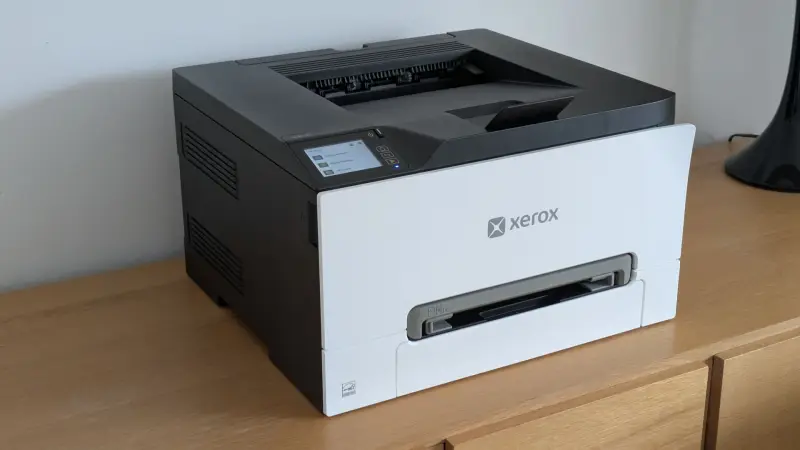
The Xerox C240 makes a practical case for a small color laser printer: it takes up little space, prints sharp text, supports wired and wireless networking, and includes automatic duplexing. Its color touchscreen and 25-page-per-minute rated speed add useful features for a home office or small business. But measured speeds fell short of that rating, and a pronounced blue cast in graphics and photos makes this a harder choice for teams that rely on vivid color.
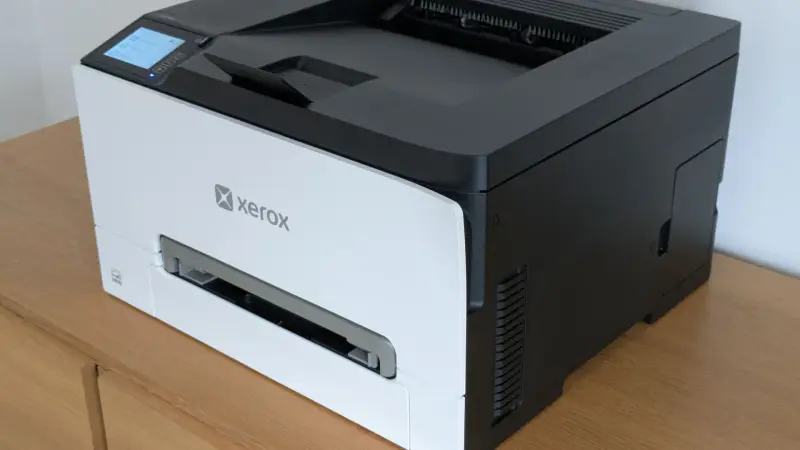
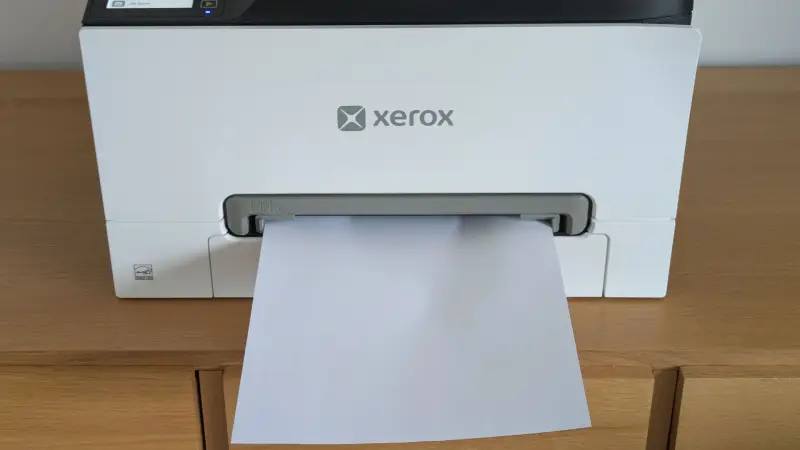
The C240 is the single-function counterpart to Xerox’s C255a color laser multifunction printer. It keeps several of that model’s useful features while doing without the scanner and copier. At 16.3kg and 244 x 411 x 400mm (HWD), it’s compact enough for a larger desk. Its relatively restrained printing and cooling noise also suit a smaller workspace, where a busier printer can be disruptive.
Paper handling, controls and running costs
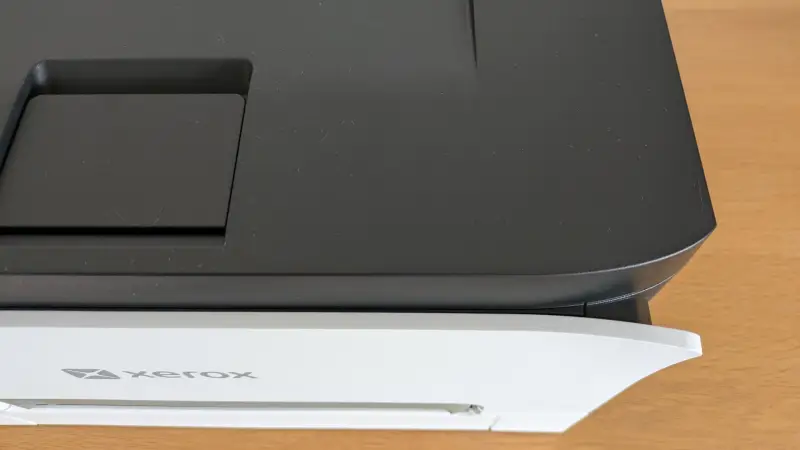
A 250-sheet cassette forms the main paper supply, with a single-sheet bypass above it for items such as envelopes or headed paper. The cassette can’t hold a full ream, and the bypass offers no capacity for a stack of special media. Automatic duplex printing is a welcome counterweight: it can cut paper use and helps produce presentable longer documents without manual page turning.
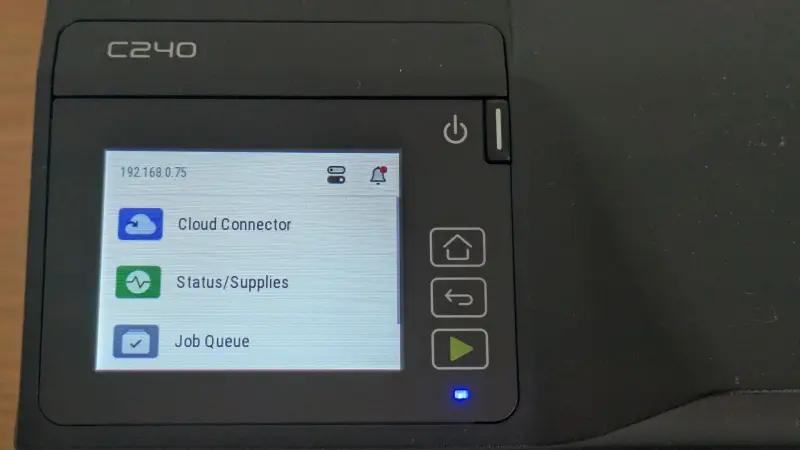
The 2.8in color touchscreen sits at the upper right. Unlike the C255a, the C240 has no USB host port for walk-up printing from a USB drive. It does support PIN-controlled job release from the touchscreen, which lets an administrator hold print jobs until the person who sent them is ready to collect them.
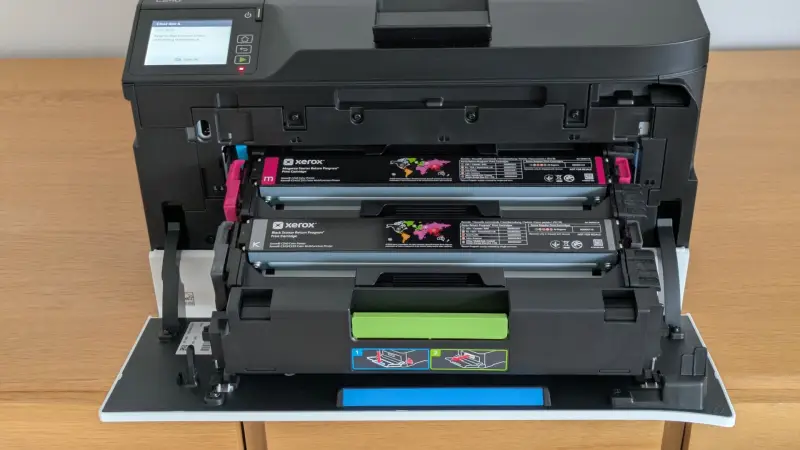
Running costs are manageable for an entry-level color laser, but they deserve attention if print volumes grow. The supplied toner lasts for 750 black pages or 500 color pages. Replacement toner works out at around 2.2p excluding VAT per black page and 11.5p per full-color page using black, cyan, magenta and yellow. That’s more than a higher-specification workgroup printer or a refillable inkjet may cost per page. The consumables list is relatively simple, though: four toner cartridges and a waste toner bottle rated for 50,000 pages. That should make routine upkeep easier for branch offices or remote staff.
Setup and Windows 11 driver behavior
Installation is straightforward for a printer weighing about 16kg. Remove the transit tape and plastic spacers, leave room for the vents on the left and rear, then configure an administrator account at first startup. That last step is easy to overlook when handing a printer to users, so IT teams may want to set the account before deployment.
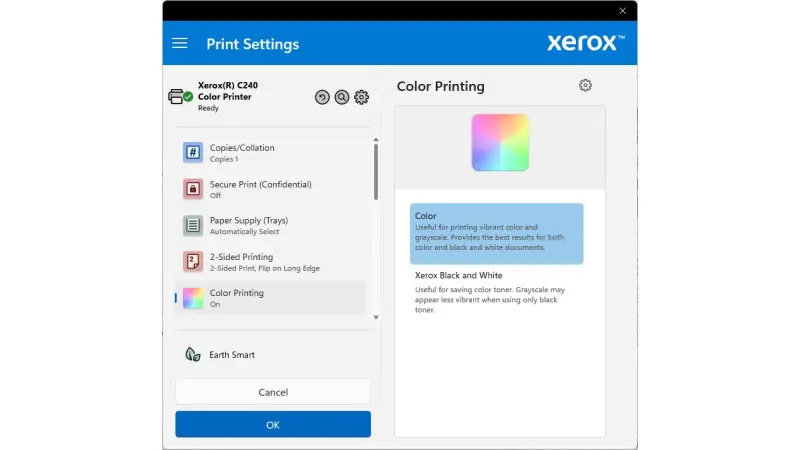
On two Windows 11 PCs, the Xerox installer didn’t configure its recommended IPP print driver. It fell back to Xerox’s Type 3 Print System instead, which worked correctly in the testing. The cause of the driver selection issue wasn’t identified, so administrators rolling out the C240 across a fleet should check which driver each installation receives.
Measured speed and print quality
The C240 wakes quickly. After sitting idle for an hour, it took about 18 seconds to produce the first black-text page; from standby, that fell to 14 seconds. Those times suit short jobs, where a printer’s initial response matters more than its sustained pages-per-minute rate.
For longer jobs, the 25ppm specification proved optimistic. Printing 25 copies of a formal letter reached 20.5ppm. A 50-page extract from Alice in Wonderland ran at 18.8ppm, partly because the driver took a comparatively long time to spool the job. The mixed graphics test was slower still: the 24-page color file took nearly 34 seconds to start warming the printer, and the measured rate was 13.2ppm when spool time was included. A single color page was quicker, taking 18 seconds from standby.
Photo output was more consistent with expectations. Two 10 x 8in images on A4 sheets took 20 seconds; six 6 x 4in (15 x 10cm) photos on three A4 sheets took 21 seconds. The printer defaults to its higher of two quality settings, and lowering the setting didn’t appear to improve speed.
Black text is the C240’s strongest output. Letters are sharp and clearly defined, including very small or thin fonts, and the results look suitable for formal reports and business correspondence.
Graphics show a more mixed picture. Toner coverage is even, shading transitions are smooth, and obvious halftone patterns weren’t visible in the test prints. Yet graphics and photos had a cool blue color cast that drained warmth from illustrations and charts and left fair-skinned portrait subjects looking unnatural. The printer driver offered no clear adjustment to correct that bias. For work where color accuracy and lively presentation matter, that limitation carries more weight than the otherwise clean graphics rendering.
Verdict and specifications
The C240 suits a team that needs compact, quiet printing, dependable text and occasional color, with duplexing and network connectivity included. Its first-page response is useful for short jobs, while the measured rates for longer and graphics-heavy work are modest. The running costs are reasonable for this class but can add up if usage grows. Most of all, the blue cast makes the printer a poor fit for offices that expect charts, illustrations or photos to look vivid without manual correction.
| Technology | Color laser printer |
| Maximum print resolution | 2,400 x 600dpi |
| Dimensions (HWD) | 244 x 411 x 400mm |
| Weight | 16.3kg |
| Maximum paper size | A4/legal |
| Warranty | One year onsite |


