Xerox C255a Review: Strong Scanning, Slow Printing and Mixed Results
- Simon Handby
- 338 views
The Xerox C255a pairs useful office features and fast scanning with slow printing, limited paper capacity and uneven color quality.
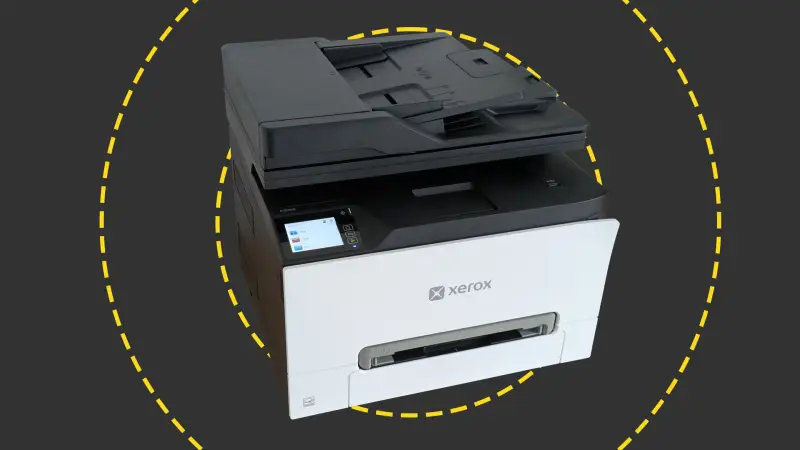
The Xerox C255a is a compact color laser multifunction printer with a capable scanner, fax support and business focused security features. Its 25 pages per minute (ppm) print rating looks promising for a small office, but testing found slower output and uneven image quality. For teams that print often, those limits may outweigh the device’s broad feature set.
Features and office fit
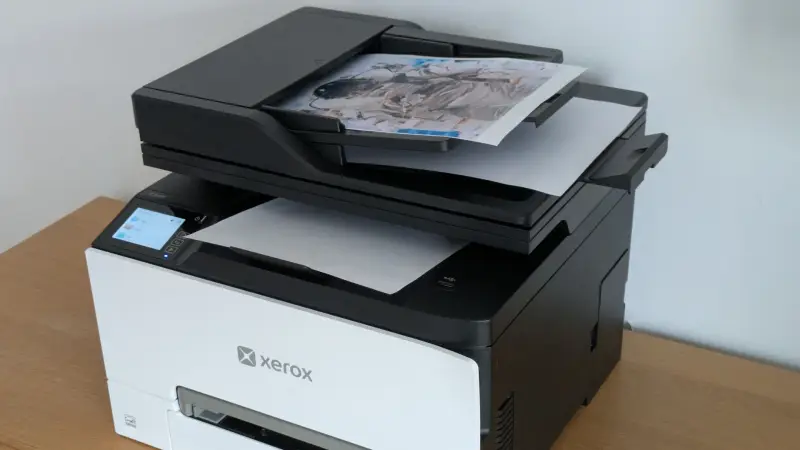
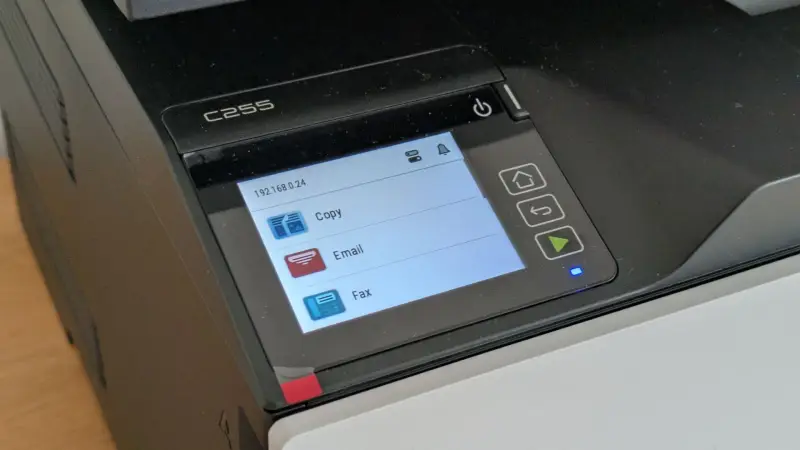
The C255a handles printing, scanning, copying and faxing, with wired and wireless networking, automatic duplex printing and a color touchscreen with a USB host port. Its white front panels and black center give it a modern look from the front; from other angles, the darker body is more prominent. At 345x411x400mm and 19.5kg, it’s compact for a laser MFP, though its left side vent and projecting ADF guides need room around them.
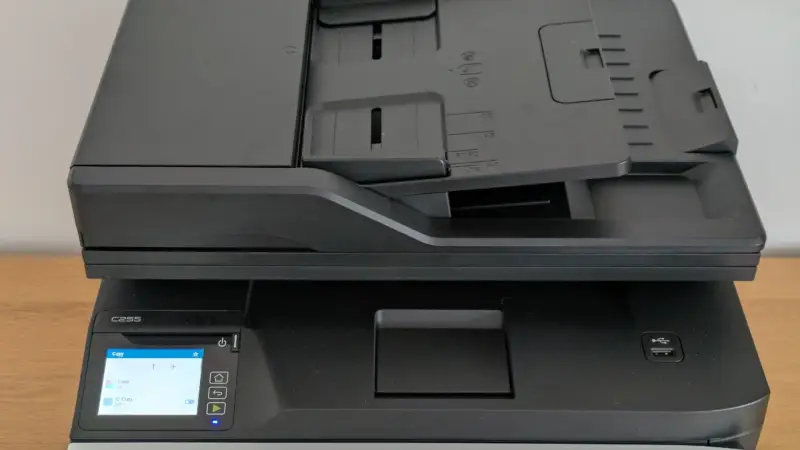
Paper handling is more limited than the feature list might suggest. The main tray holds up to 250 sheets, and a single sheet bypass feed leaves little flexibility for repeated use of headed or specialty media. The 50 sheet automatic document feeder (ADF) helps with longer scanning, faxing and copying jobs, but it scans only one side at a time. Offices handling double sided originals will need to turn pages manually.
Running costs deserve attention before purchase. The included toner is rated for 750 black pages or 500 color pages. Replacement cartridges are rated for 1,300 or 3,000 black pages, and 1,200 or 2,500 color pages. At the time of testing, calculated costs were 2.2p excluding VAT per black page and 11.5p per full color page using black, cyan, magenta and yellow toner. Those figures are around average for an affordable laser MFP, but the relatively low yields mean a moderately used device may need toner replacements fairly often.
Setup and security
Setup is manageable for one person, though the first boot takes time. The device asks for location and time zone details and prompts the user to create administrator credentials. During preparation, the C255a’s on device routine caught a missed step: plastic locking clips must be removed from each of the four toner cartridges. Its paper tray also needs extending to fit A4 sheets, without leaving the rear of the tray sticking out.
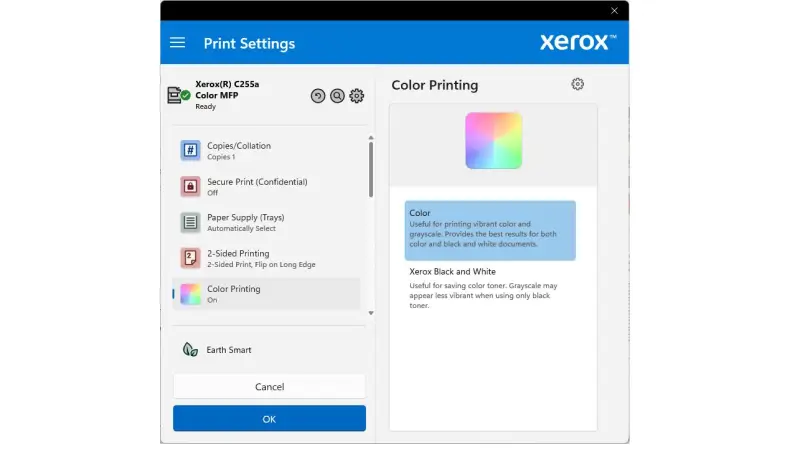
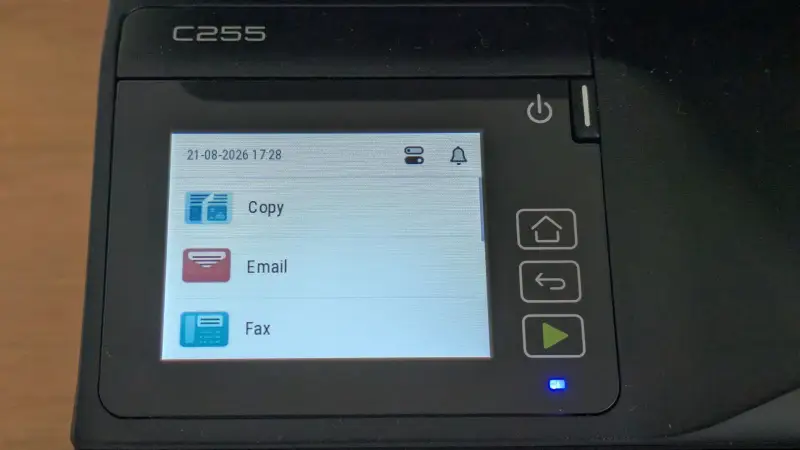
The touchscreen responds well and its menus are easy to follow. Xerox’s PC installer is less straightforward: it doesn’t install a TWAIN scan driver by default, so users who need TWAIN support should choose custom installation settings. The print driver also inserts a 15 second delay before processing jobs. That timer can be disabled in the driver.
For a device in this price range, the security options are notable. The C255a supports LDAP and Active Directory login with Kerberos authentication, TLS 1.3 encryption by default, and an OpenSSL module validated to FIPS 140 3. It also works with Xerox Workplace Suite and Workplace Cloud for fleet print management, which gives smaller organizations options for centralized device oversight.
Print, scan and copy performance
Print speeds fell short of the 25ppm engine rating in testing. A first black page took 18 seconds, and a 25 page job finished in 76 seconds, equivalent to 19.7ppm. A 24 page color document took more than two minutes, producing 11.7ppm. In duplex color testing, a five page, ten sided document ran at 5.6 images per minute (ipm), a slow result for a laser printer.
Job preparation and spooling also appeared to hold up longer documents. A 50 page excerpt from Alice in Wonderland reached 18.2ppm, slower than the device managed when printing multiple copies of a single page. Teams with frequent long or color jobs should plan around the C255a’s measured pace rather than assume the headline speed will reflect everyday throughput.
Scanning and copying were stronger. The printer produced a preview in seven seconds and scanned an A4 page at up to 300 dots per inch (dpi) in 10 seconds. A 6x4 inch photo scanned at 600dpi took 11 seconds. Single page copies took 14 seconds in both black and color; a 10 page ADF copy took 35 seconds in black and 38 in color. The ADF scanned 10 pages in 17 seconds, much faster than the printer could produce the copies. However, it struggled to feed an old, worn original until the page was rotated 180 degrees.
Image quality and verdict
Black text is as sharp as expected from a laser printer, but color output is less convincing. Graphics and photos had a cool blue cast: it suited some images, but made portrait subjects look pale and business graphics appear dull. The driver offers no color controls to correct the bias. Scans also looked slightly dark and reproduced color less faithfully than expected. Tests with a Kodak Q 60 target found that the scanner had trouble distinguishing shades in roughly the darkest third of a gray progression, which could hide detail in dark areas.
Copies were somewhat more vibrant than the print and scan results, though large blocks of colored text showed visible bordering. The C255a’s maximum print resolution is 2,400x600dpi. It supports A4 and legal paper, weighs 19.5kg and comes with a one year onsite warranty.
The C255a fits a small office that values compact dimensions, fast scanning and centralized device management. Its slow printing, limited paper handling and color weaknesses make it a harder choice for teams that rely on frequent color documents or polished image output. With running costs broadly typical for its class, its specifications alone don’t make a strong case for choosing it.


